
Use case — Teaching Operations
Bootcamp and short course hosting for practical teaching
A twelve-week bootcamp cannot spend week one installing software, and a two-day CPD session cannot spend an hour on it. Education Host provides browser-based labs and student hosting that are ready when the cohort arrives — and cleaned up just as quickly when it leaves.
- Practical environments ready for the first session
- Browser-based labs through Cloud Pulse — any device delegates bring
- Web hosting for projects and coursework, where enabled
- Clean lifecycle for temporary cohorts and short enrolments
- Support scoped around compressed delivery windows
A use case supported by Education Host — platforms, hosting and infrastructure built exclusively for education.
The challenge: intensive courses lose their scarcest asset to setup
Short-format teaching has no slack — every hour spent on environments is an hour of paid-for teaching that never happens.
No time to install anything
Compressed timetables cannot absorb installation triage across whatever devices delegates and students bring.
Cohorts appear and disappear
Short courses enrol fast and finish fast — accounts and environments need the same rhythm, without manual clean-up.
Support windows are compressed
When delivery is two days long, a problem that takes a day to resolve destroys half the course.
How can short courses avoid setup delays?
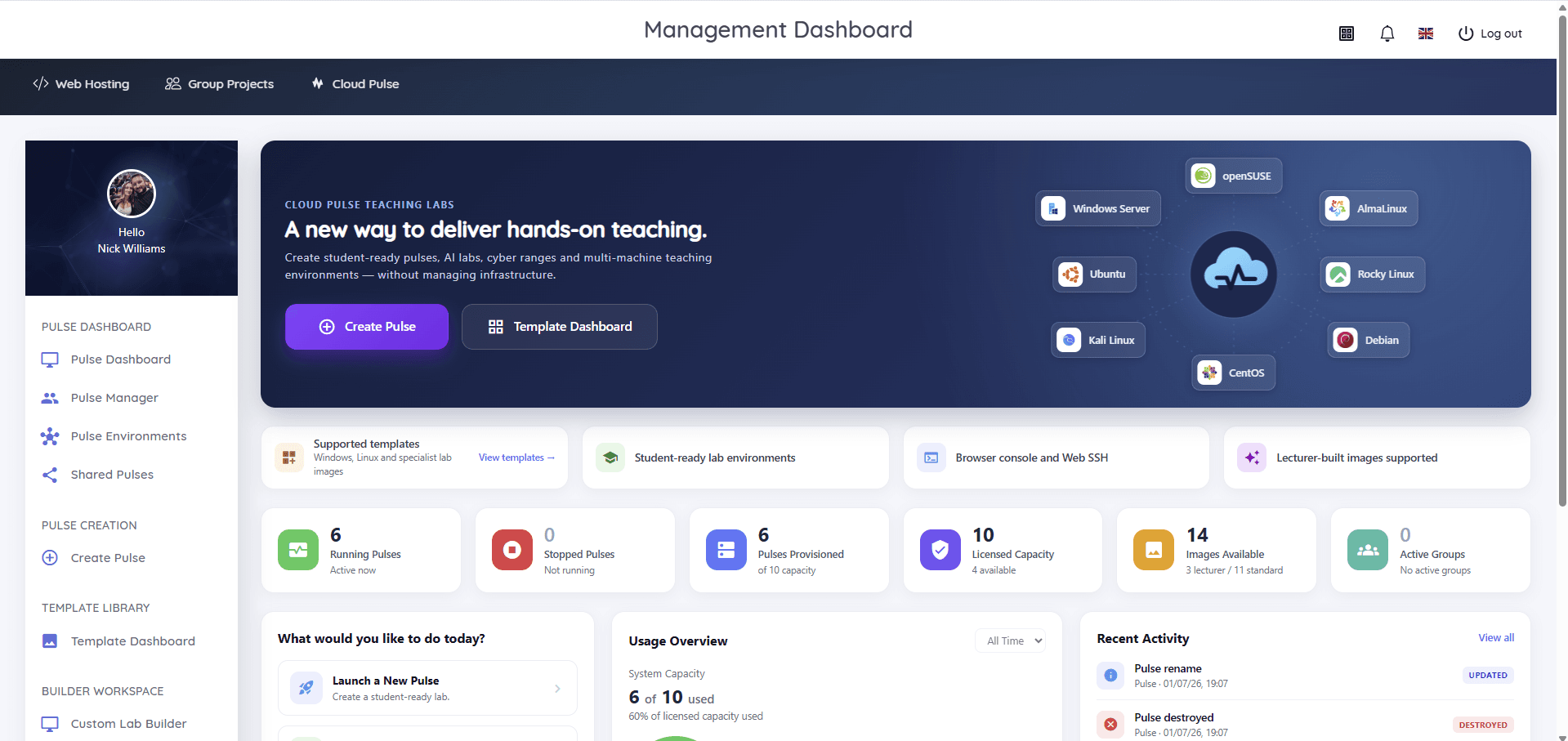
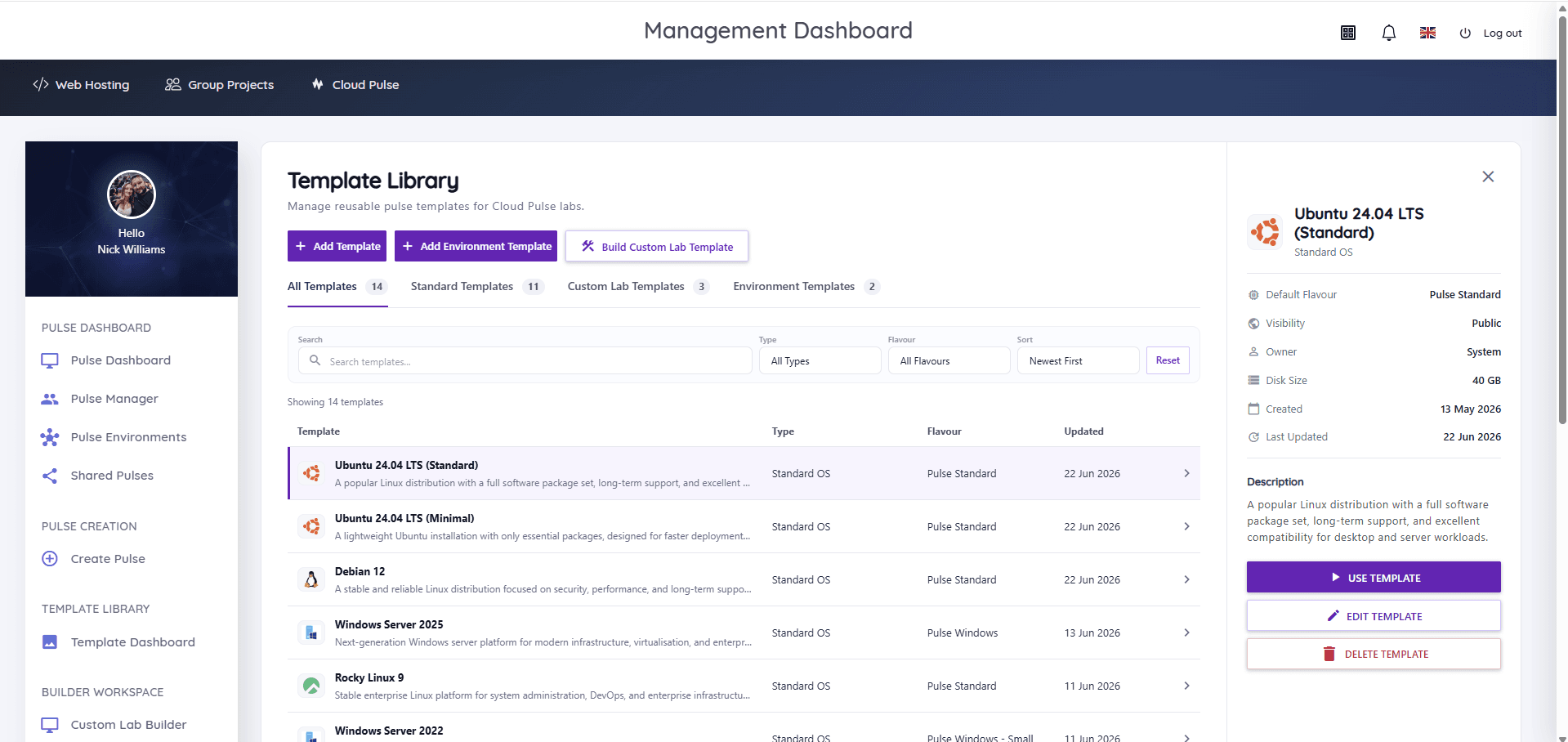
By arriving to environments that already exist. Cloud Pulse deploys the course's lab environment from a template before the first session — Python, web stacks, WordPress or whatever the syllabus needs, defined once by the course team — and every participant opens it in a browser on whatever device they bring.
Where the course produces hosted work, Education Host student hosting provides accounts with cPanel tools and one-click installs where enabled, and Student Web Host Manager provisions and retires the whole cohort cleanly around the course dates. Managed Technical Support can be scoped around delivery windows where a standing arrangement helps.
- Course environments deployed from templates before day one
- Browser access on any device participants bring
- Web hosting with one-click installs for course projects, where enabled
- Bulk provisioning and clean retirement of temporary cohorts
- Templates reused across repeat runs of the same course
- Support scoped to the delivery window, where agreed
What course teams and participants can do
Teaching starts at minute one, not day two.
- Open a ready-made environment in the first session
- Run coding, web and data exercises without local installs
- Publish course projects to real hosting, where enabled
- Rerun the same course from the same template next intake
- Provision and retire whole cohorts around course dates
- Demonstrate final projects live on the last day
Example course formats
Short-format teaching that fits ready-made environments.
Coding bootcamp
An intensive programme where every participant codes in an identical environment from the first hour.
WordPress short course
A CPD session where each participant gets a WordPress install to build on, where enabled.
Python and AI taster
A short AI introduction using notebook-ready environments — no prerequisite installs for participants.
Digital skills programme
A rolling short course whose environment template is reused intake after intake.
Which Education Host platforms fit this use case
Short-format delivery leans on fast-deploying labs, hosting where projects need it, and clean cohort lifecycle.
Cloud Pulse
Browser-based computing labs for universities
Course environments from reusable templates, deployed before day one and accessed in the browser.
Explore Cloud PulseEducation Web Hosting
Managed web hosting built for education
Hosting for course projects and coursework, with one-click installs where enabled.
Explore Education Web HostingStudent Web Host Manager
Governed student web hosting at institutional scale
Bulk provisioning and clean retirement of temporary cohorts around course dates.
Explore Student Web Host ManagerManaged Technical Support
Support for education platforms and infrastructure
Support scoped around compressed delivery windows, where a standing arrangement helps.
Explore Managed Technical SupportOperational outcomes
- Paid teaching time goes to teaching, not installation
- Any-device cohorts stop being a delivery risk
- Repeat intakes reuse the same environment template
- Temporary accounts end cleanly instead of accumulating
- Course teams scope support to match the delivery window
Explore related use cases
Scenarios institutions often pair with this one.
Computer science teaching labs
One platform estate for a whole computing department — labs, student hosting and infrastructure across programming, OS, databases, cloud and AI modules.
Explore use caseWordPress for teaching
WordPress as a teaching tool — CMS modules, blogs, portfolios and campaign sites on managed education hosting with cohort governance.
Explore use caseAI & Python teaching labs
Python, notebooks and AI fundamentals in browser-based labs — every student in an identical, lecturer-defined environment.
Explore use caseReduce hosting workload for IT teams
Replace per-account hosting admin with governed provisioning, Entra sign-in and lifecycle automation — and a partner who runs the platform.
Explore use caseBootcamp & short course hosting — frequently asked questions
Direct answers about this use case and the Education Host platforms behind it.
- Can Education Host support coding bootcamps?
- Yes. Cloud Pulse provides identical, browser-based coding environments deployed from a template before the course starts, with student hosting available where the bootcamp publishes project work.
- Can environments be created for short courses?
- Yes. The course team defines the environment once as a Cloud Pulse template, and it deploys for each intake — including repeat runs — without rebuilding.
- Can students access tools through a browser?
- Yes. Participants open their environment in a web browser with console and Web SSH access, so the course works on whatever device they bring.
- Can this support temporary cohorts?
- Yes. Student Web Host Manager provisions accounts in bulk for the course dates and suspends or removes them cleanly afterwards, so short enrolments do not leave orphaned access behind.
- Which platforms are suitable for bootcamps?
- Cloud Pulse for the lab environments, Education Web Hosting for published project work where enabled, and Student Web Host Manager for cohort lifecycle — with support scoped to the delivery window where agreed.
- How quickly can a short course environment be scoped?
- Book a consultation with Education Host — scoping is typically a matter of mapping your syllabus to a template and confirming participant numbers and dates, and we will confirm the timeline for your specific course.
See how this use case fits your institution
Tell us about your modules, cohorts and calendar, and we'll map this use case to the right Education Host platforms — including what to leave out.